

Google Meet is a great conferencing option for G-Suite subscribers and normal G-Mail users alike, to stay in touch with co-workers and loved ones. Meet is well integrated with Gmail and Google Calendar, making it easy to schedule a meeting with any coworker or other participant who has a Google account. In this quick post, we’ll discuss tips to secure … Read More
Tips To Secure Your Zoom Meeting

Zoom is a great way to stay connected to co-workers and loved ones during this time of social distancing and work from home mandates. As with any communication method, you need to be mindful of who you’re talking to and who may be listening in. Avoid ‘Zoombombing’ and maintain conversation privacy with these tips to secure your Zoom meeting. Don’t … Read More
Work From Home Tips
Businesses across the world have been working hard to adapt to evolving changes in workplace standards. As a result of the current COVID-19 pandemic, many companies have adopted a work from home strategy in order to keep their operations running. As is the case with any change, complexities and challenges can result in a lot of stress and productivity loss. … Read More
Change The Default Signature On An Android
These steps are the same whether you’re using an Android or Samsung phone, but today we’ll be focusing on the Samsung Galaxy S10 Plus: Open your mail app. Click on settings Click on the gear icon. Click on your mail account name Scroll down to Signature and select it. Edit the Signature to your liking and Save.
Wi-Fi 6 – What Is It?
Most of us were unaware, but 2019 brought some very exciting news in the world of wireless broadband. Last year, a new Wi-fi standard was finalized and its name is 802.11ax or, as it’s more affectionately known, Wi-Fi 6. But what is Wi-Fi 6 and why is it so exciting? Also, since when does Wi-Fi have version numbers? Wi-Fi Standards … Read More
Data Destruction Options For Your Old Hard Drives
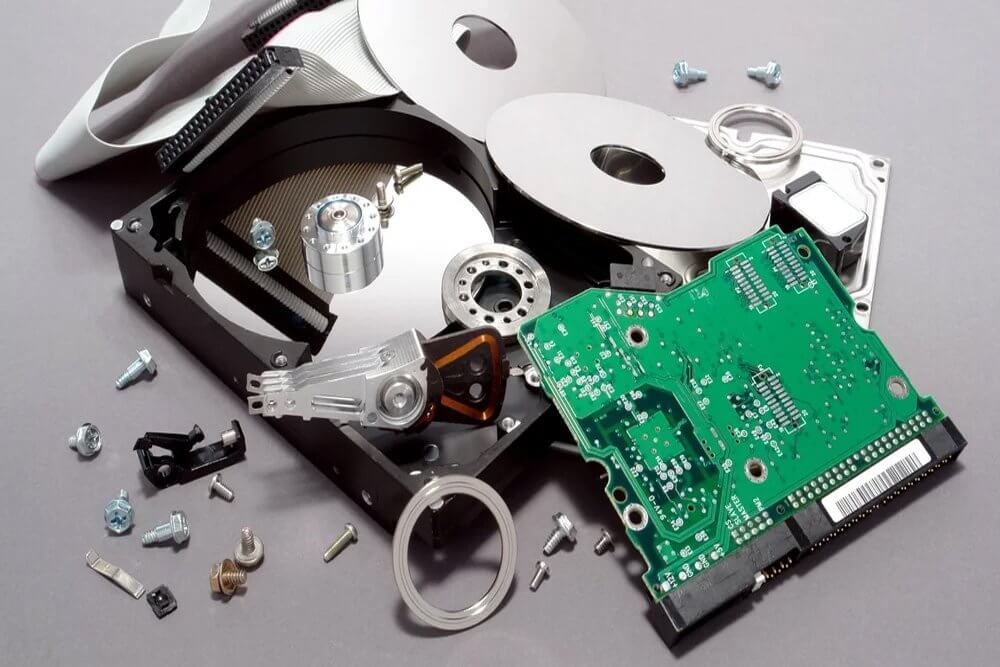
If you use computers in your office, you probably have gone through upgrades and replacements over time. With that, you also most likely have old computers lying around and not quite sure what to do with them. Recycling the computer is an environmentally responsible thing to do. However, precautions need to be taken with the various data destruction options for … Read More
Remote Desktop Access
Remote Desktop is available to all Diligex Managed computers. It allows you to remote into your work computer from a remote web browser. It’s a convenient method to access your data and core applications from a remote location. Please note however, this should not be relied on as a 100% uptime, day-to-day remote access solution. It is provided as a … Read More
Choosing An Office 365 Email Address Type
We don’t usually think too much about the concept of email and how it operates. As long as we have an address to put on our business cards and can send and receive messages without issue, our email is functioning as it should. Email is a commodity that has become an ordinary part of our lives. But like many other … Read More
8 Tips For Spotting A Phishing Email
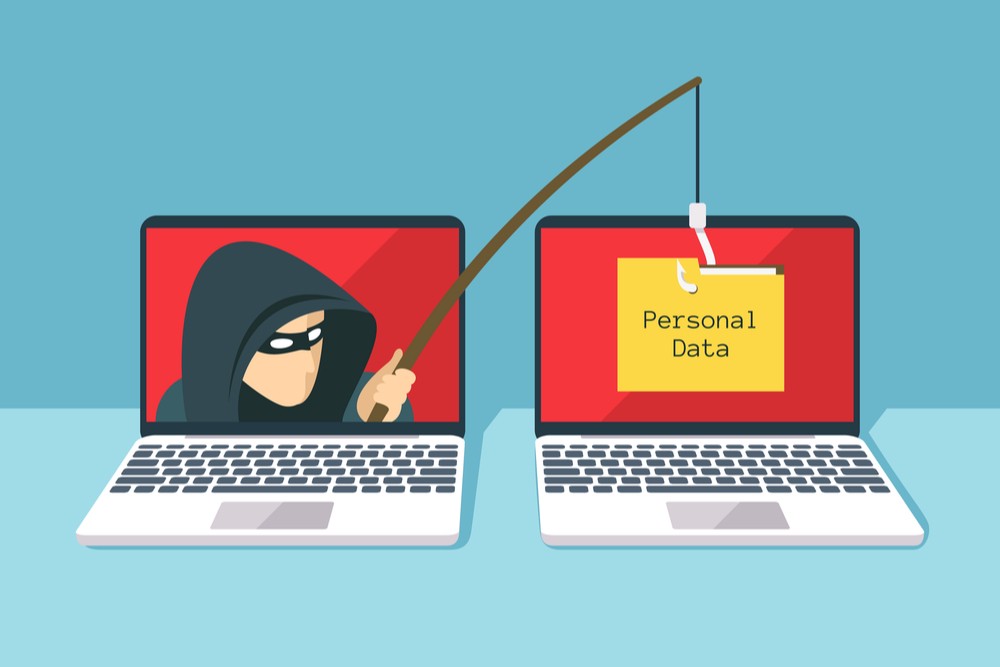
Every day, thousands of people are fooled by phishing emails sent by cyber-criminals. These scams can cost people thousands of dollars and contribute to stolen identities. In previous posts, we wrote about how to avoid phishing scams and how phishing works. In this post, we get a bit more specific on how to be vigilant against suspicious emails. Here are 8 … Read More